


FR EN

INTEGRATION · CUSTOM SOFTWARE · IoT

Technical solutions
for your business needs.

Ginko helps small and medium businesses connect their software, build applications that fit their operations, and develop connected sensors and devices for use in the field.

For businesses without an in-house development team, we handle the technical work, from understanding the need to supporting the solution.

Explore use cases

A versatile technical partner for small and medium businesses with a small development team or none at all.

Existing softwareBusiness toolsConnected devices

01 — USE CASES

Three ways to support
your operations.

Information to transfer between applications, a process that needs a dedicated tool, a measurement to collect in the field: we start with a concrete need.

01 / INTEGRATION

Connect your software

Connect your management, sales, accounting and inventory tools so information can flow between them. We build connections and automations around each application’s interfaces and available access.

EXAMPLE USE CASE

An online order is passed to inventory management and invoicing without entering it again.

  • Data synchronization
  • Software connections
  • Automation
02 / CUSTOM SOFTWARE

Build a tool that fits your operations

Develop a web or mobile application that follows the way you work: scheduling, field service, case approvals or a specific business activity. Screens, rules and data exchanges are defined with your team.

EXAMPLE USE CASE

A technician reviews jobs, records observations and adds photos through a mobile application connected to the office workflow.

  • Web & mobile applications
  • Activity tracking
  • Business processes
03 / IoT SENSORS & DEVICES

Develop connected devices for the field

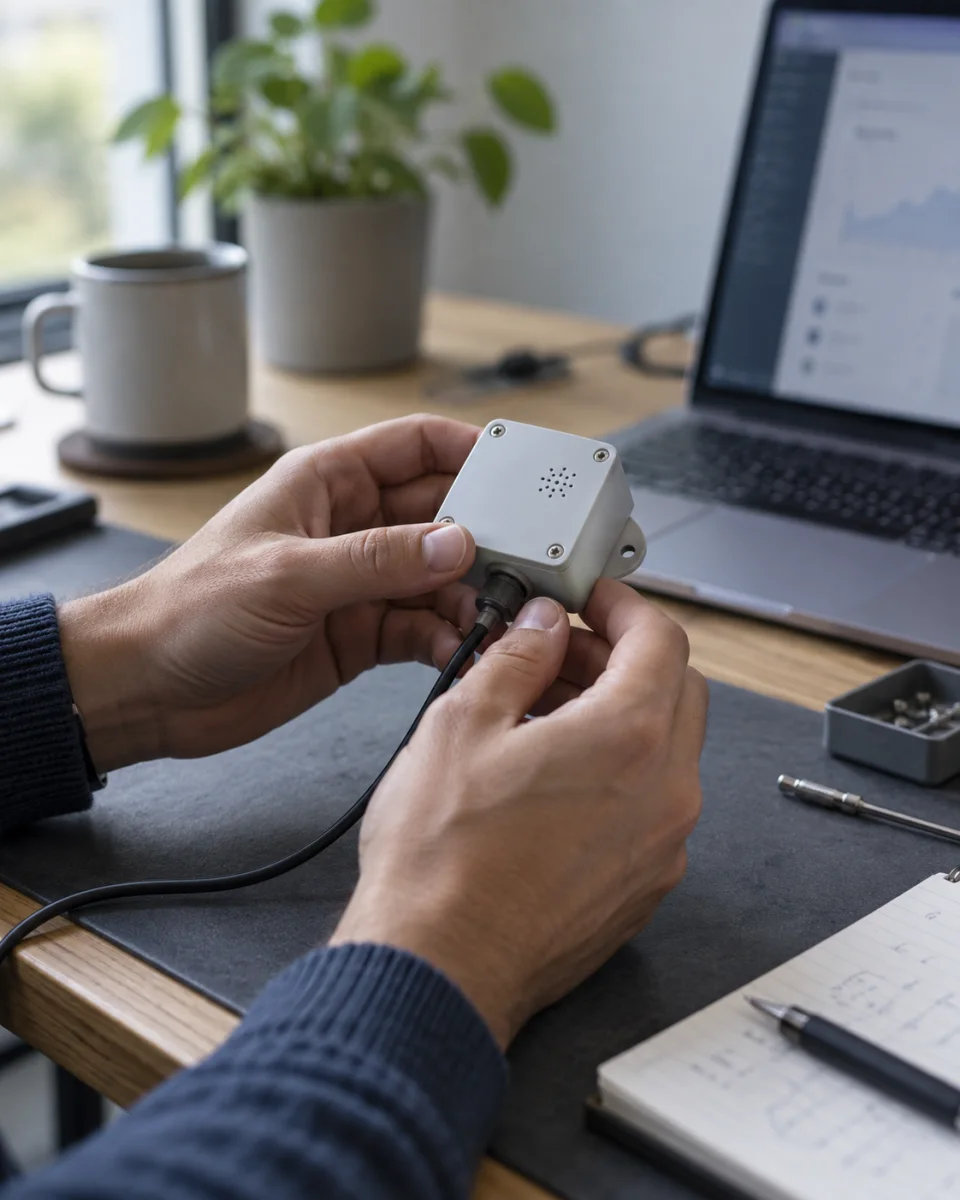
Design and prototype connected sensors and devices, including their electronics, embedded software and monitoring application. Measurements, power supply and connectivity are selected for your operating conditions.

EXAMPLE USE CASE

A sensor records the temperature of a storage area, keeps a history and sends an alert when a defined threshold is exceeded.

  • Custom sensors
  • Device prototypes
  • Measurements & alerts

02 — PRACTICAL EXAMPLES

In the office.
In the field.

The same need takes a different form depending on where the tool is used and who uses it.

IN THE OFFICE Track information across your software

Desktop

One order, two applications up to date.

Online store

Sales

Orders Customers

LATEST ORDER

#1042 Received at 09:42

North Workshop

Item
Maintenance kit
Quantity ordered
3 units

Sent to inventory

Inventory management

Inventory

Reservations Stock levels

MATCHING ORDER

#1042 Received at 09:43

North Workshop

Item
Maintenance kit
Quantity reserved
3 units

Available stock: 24 → 21

Order #1042 synchronized · 09:43

The order received by the online store automatically reserves the same items in the inventory application, without entering it again.

OFFICE + FIELD One record, two ways to work

Field service tracking
SCHEDULINGIn progress

Job #024

Track progress from the office.

EQUIPMENTCirculation pump

Main workshop · Routine inspection

Assigned to
Maintenance team
Latest activity
Photos received at 10:18
Next step
Review the report

MY JOBS

Job #024

Main workshop

Circulation pumpRoutine inspection
  • Inspection completed
  • Photos added
  • Report to complete
Observations and photos shared with the office.

Plan and track in the office; review, document and update on mobile.

ON SITE A device designed for its environment

SENSOR / T-01
TEMPERATURE4.2 °CLAST READING · 09:42
ILLUSTRATIVE PROTOTYPE

EXAMPLE USE CASE

Storage area

Record temperatures and send measurements to the monitoring application.

Monitoring range
2 to 8 °C
Readings
Every 5 min

An alert can be sent when a defined threshold is exceeded.

Electronics, embedded software and enclosure adapted to the measurements and operating conditions.

Illustrative examples · Fictional data

03 — TECHNICAL SUPPORT

From business need
to a working solution.

A single project can connect a sensor, a custom application and your business software. We can handle one component or work across the whole system.

Our experience with SaaS platforms, web and mobile applications, cloud services and AI tools supports this work. Technical choices reflect your operating requirements, maintenance needs and budget.

  • 01

    Start with how you work

    Review the tasks, software and equipment in use. Identify the information needed, the conditions in the field and an initial scope of work.

  • 02

    Build and test in context

    Develop an integration, an application or a device prototype. Test data exchanges, workflows and, for IoT, measurements and connectivity under the intended conditions.

  • 03

    Prepare for day-to-day use

    Define deployment, documentation and maintenance. Plan updates, error monitoring and future changes with the people who will use the solution.

CONTACT

Tell us about
your operational needs.

Software to connect, a tool to build
or a connected device to design.

contact@ginko-services.com By email